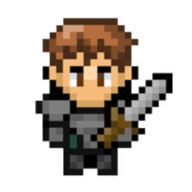
 Fantasy Online 2
Official browser version
A pixel MMORPG you can play in your browser
Explore Fantasy Online 2's 2D world of quests, crafting, rare drops, and multiplayer adventures. Start from your game account without installing a separate desktop client.
How to start playing
- Sign in to your Fantasy Online 2 account, or create an account.
- Choose an existing character or create your first one.
- Select a server and press Play after the game is ready.
What your browser needs
Use an updated browser and a device that supports WebGL 2, with an internet connection. The game loads its files when you start. If the Play screen reports that WebGL 2 is unavailable, update your browser or try another supported device.
Quests, builds, crafting and other players
Begin with the Noob Island quests, fight monsters and bosses, learn skills from books, and build your character around the equipment you find. Gather materials, craft upgrades, trade with players, and join friends in the shared world.
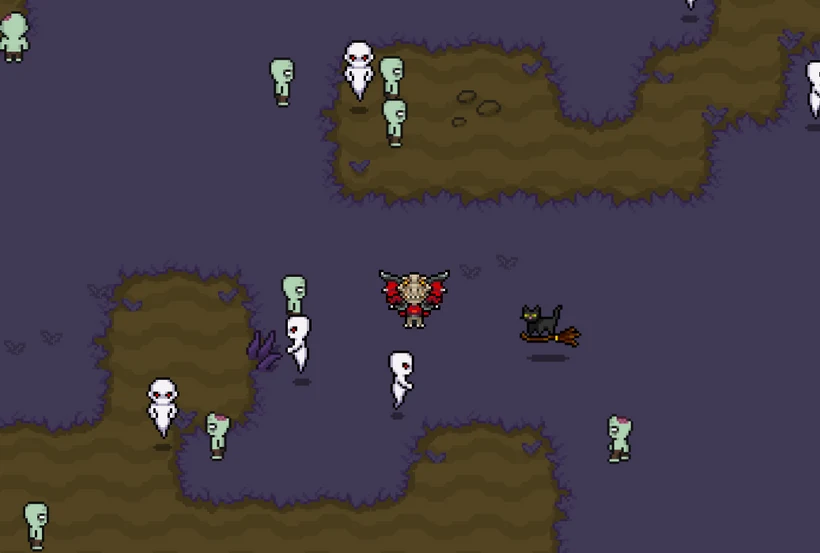
Continue on Android or Steam
Use the same Fantasy Online 2 account to keep your characters and progress across the browser, Android, and Steam versions. Android is free with optional in-app purchases. Steam is paid Early Access for Windows, macOS, and Linux.
Make your first session easier
Follow the first quests, learn the controls, and choose an accessible starting build with the official player guides.
Compare three starter builds →